

A credit note shows money we have credited to your account, a debit note an extra charge we have added outside an invoice. You find both in the client area under Billing.

Watch the video (28 s, with narration) – or follow the steps below.
Step by step
-
Sign in to the client area, click Billing in the top menu and then the tab Credit notes. The page Credit and debit notes opens.
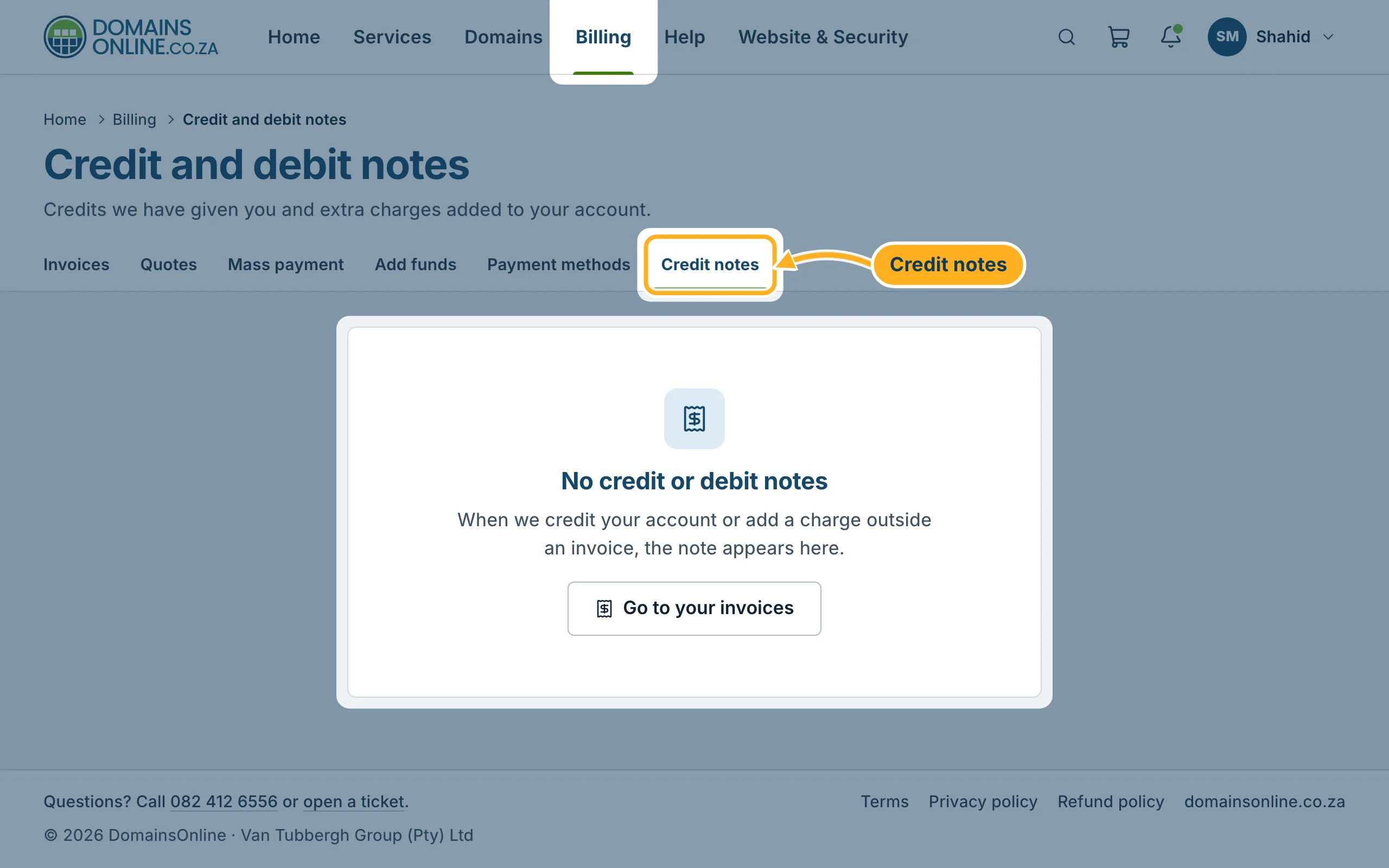
If your account has no notes, the page says No credit or debit notes. As soon as we credit your account or add a charge outside an invoice, the note appears there. With Go to your invoices you return to your invoice list.
Where you see your credit
Your current credit is shown on the Invoices page under Credit balance. On each invoice, the line Credit below the items shows how much credit was used for that invoice.
Related articles
Questions about a note? Open a ticket in the Billing department or call us on 082 412 6556.
