

A forwarder sends a copy of every e-mail that arrives at one address to another address. For example, mail to sales@mallawebstudio.co.za can land in the inbox of shahid@mallawebstudio.co.za, so you only have one inbox to check.

Watch the video (1 min 1 s, with narration) – or follow the steps below.
Step by step
-
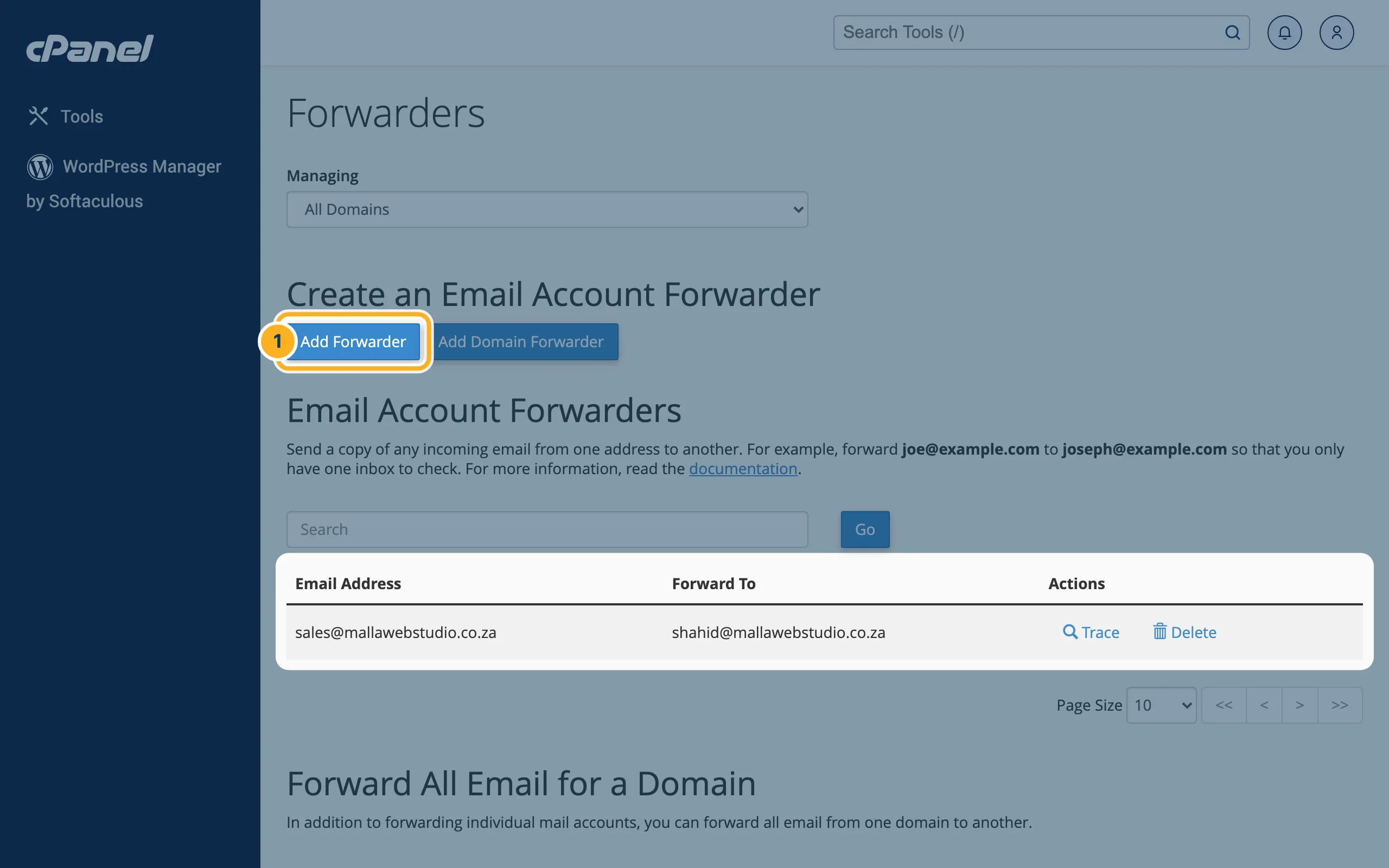
Log in to cPanel (see Log in to cPanel from the client area) and click Forwarders in the Email section. Under Email Account Forwarders you see the forwarders you already have. Click Add Forwarder.
-
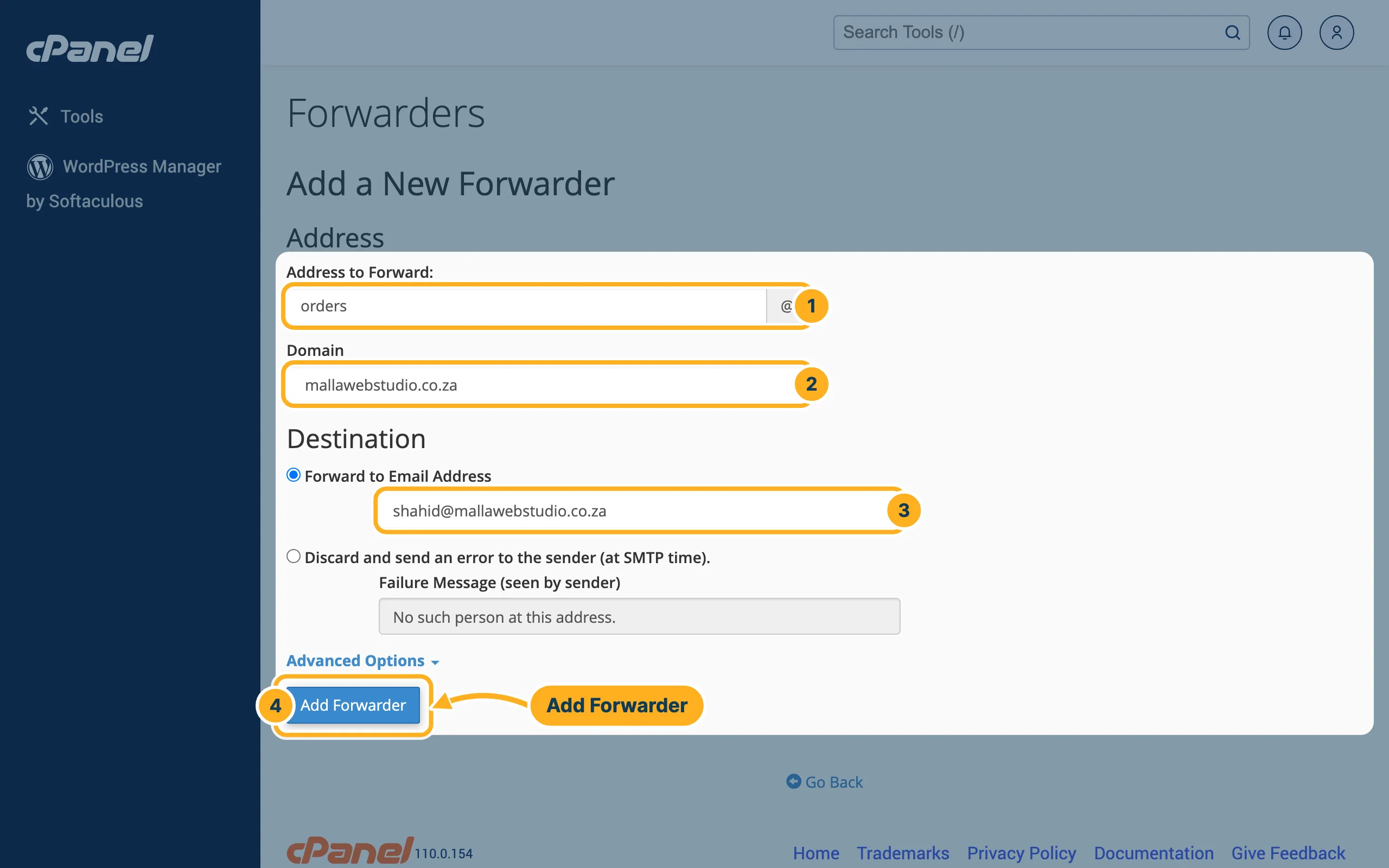
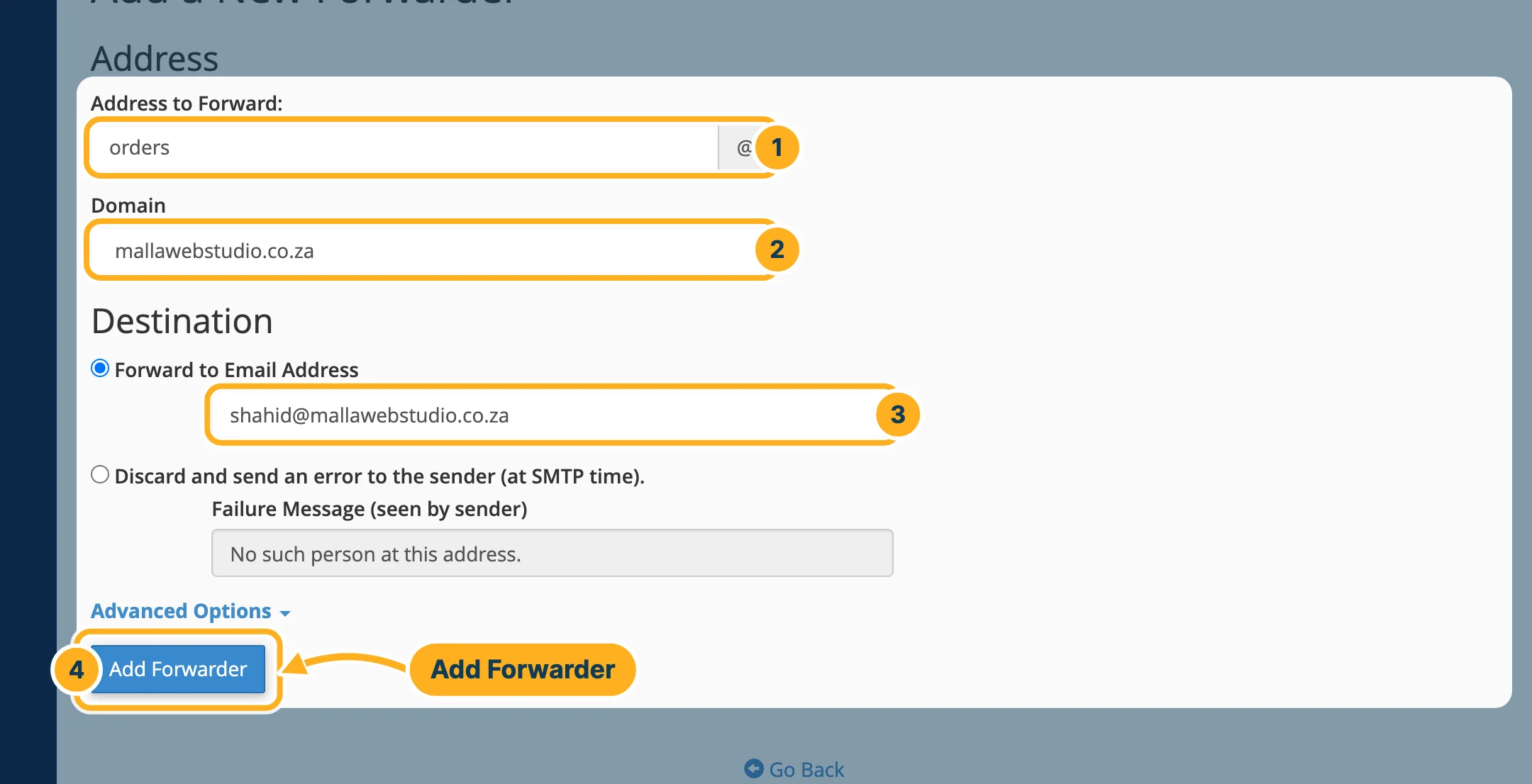
Fill in the form Add a New Forwarder:
- Address to Forward – the part before the @, for example orders.
- Domain – the domain of that address.
- Under Destination, leave Forward to Email Address selected and type the address that should receive the mail. It can be one of your own mailboxes or an address with another provider.
- Click Add Forwarder.
The new forwarder appears in the list under Email Account Forwarders and works straight away. To forward one address to several people, add one forwarder for each destination.
Remove a forwarder
On the Forwarders page, click Delete in the row of the forwarder and confirm. Mail to that address is then no longer forwarded. If the address has no mailbox of its own, mail to it can no longer be delivered.
Forward all mail of a domain
With Add Domain Forwarder you can forward all e-mail of one domain to another domain. Only use this if you know you need it: every address of the domain is affected.
Something not working?
- Forwarded mail doesn't arrive: check the destination address in the list for typing errors. Also look in the spam or junk folder of the destination mailbox.
- You want to see where a message went: click Trace in the row of the forwarder. cPanel shows the route the mail takes.
- You'd rather reply automatically than forward: see Out-of-office reply (autoresponder).
Related articles
- Create an e-mail account
- Out-of-office reply (autoresponder)
- E-mails don't arrive or land in spam (SPF, DKIM)
Need help? Open a ticket or call us on 082 412 6556.
