

A WHOIS lookup shows who a domain is registered with, when it expires and which nameservers it points to. It is handy to check your own domain after a change, or to find out where a domain you want is registered.

Watch the video (41 s, with narration) – or follow the steps below.
Step by step
-
On our website, open Domains in the menu at the top and click WHOIS lookup. If you are not signed in, the page also asks you to type the characters from a picture – sign in to the client area first to skip that.
-
Type the full domain with its extension, for example
your-business.co.za, and click the green search button.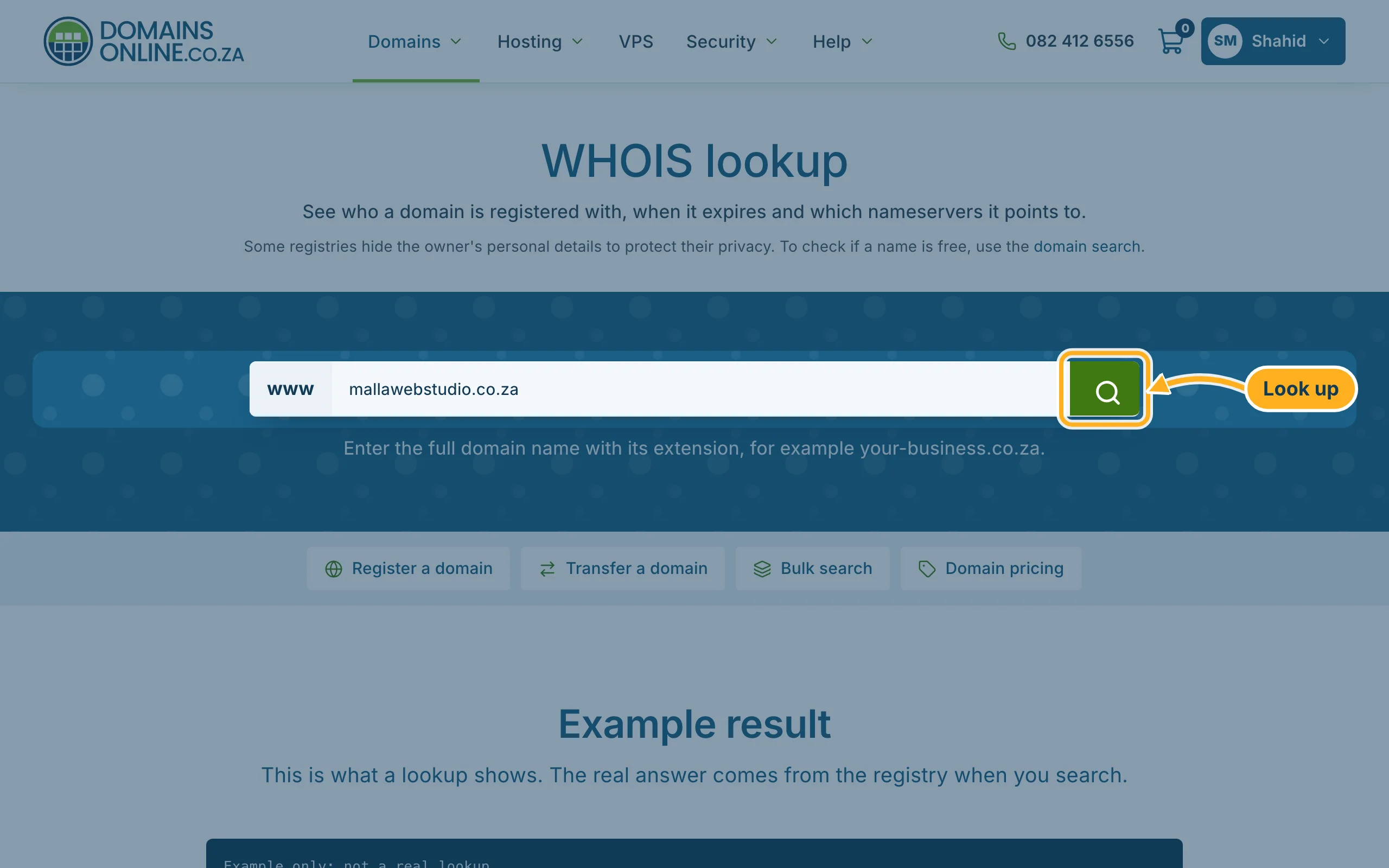
-
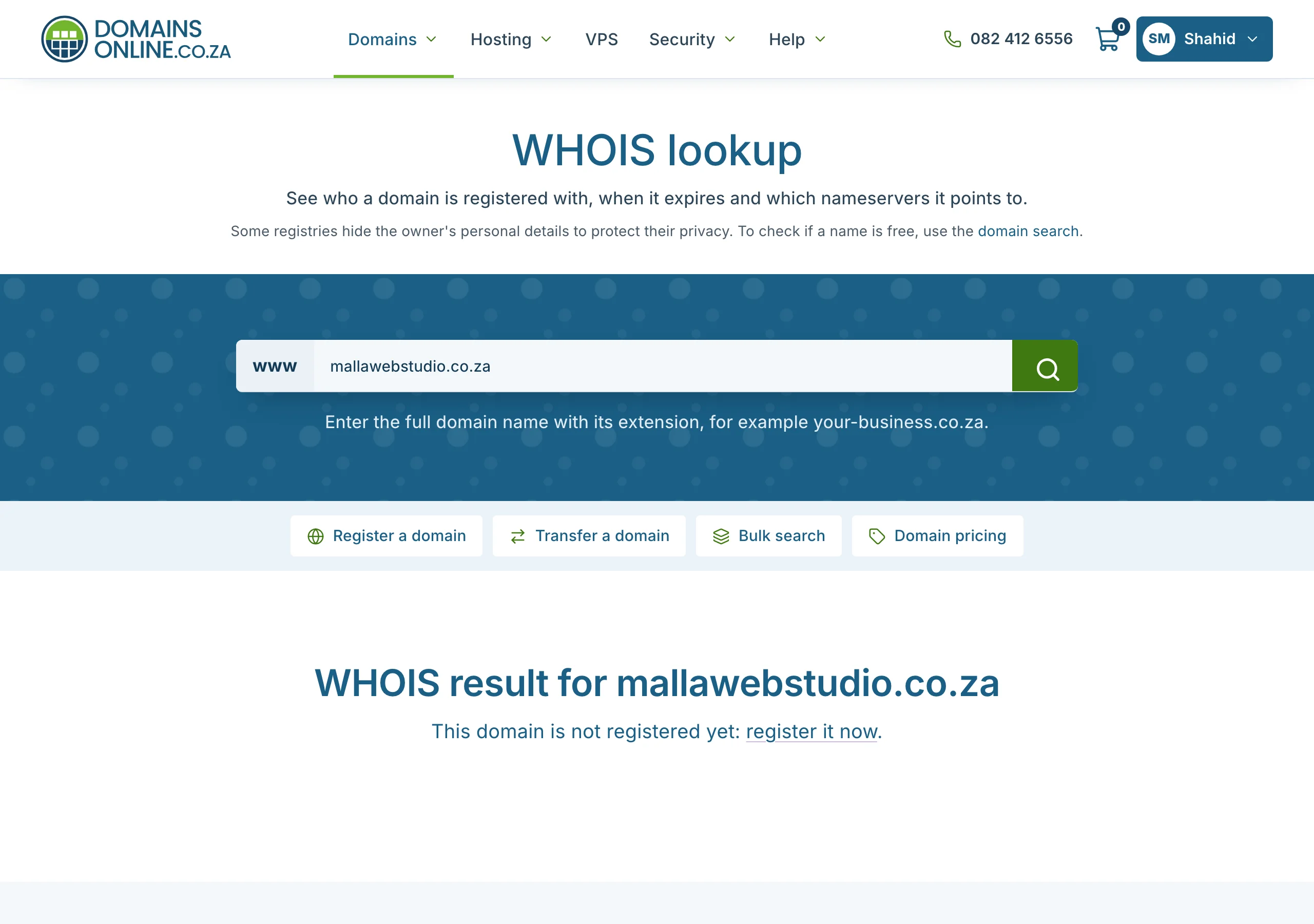
The result appears under WHOIS result for and the domain name. If nobody has registered the domain, it says This domain is not registered yet with a link to register it.
How to read a result
- Registrar – the company that manages the domain for its owner. A transfer starts there.
- Expiry date – the domain must be renewed before this date, or it can be lost.
- Name servers – where the domain's DNS is hosted, and so where its website and e-mail point. For hosting with us they are ns1 to ns4.supercp.com.
- Registrant – the owner. Often it says Redacted for privacy.
Only want to know whether a name is still free? The domain search is quicker – see Search for a domain and register it.
Related articles
- Why isn't my domain working yet? (DNS propagation)
- Transfer a domain to DomainsOnline
- Search for a domain and register it
Need help? Open a ticket or call us on 082 412 6556.
